.png?width=300&height=68&name=Lockup_Primary_RGB_IE%20(3).png)
-
Log in with Email and Password
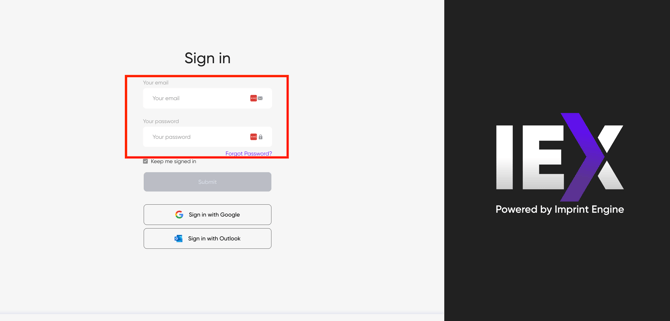
- Navigate to the IEX Portal login page.
- Enter your registered email address.
- Enter your password.
- Select Log In.
If your credentials are correct, you will be redirected to the Portal Home Page.
-
Log in with Google Workspace or Outlook
If your organization uses Google Workspace or Outlook, follow the steps below:
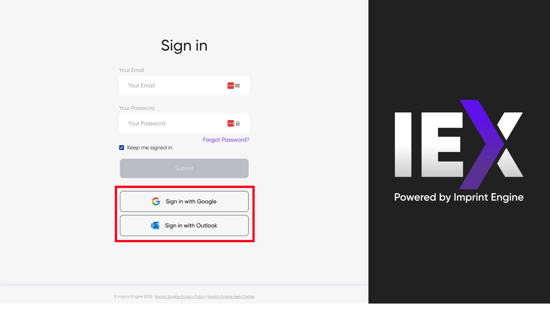
- Navigate to the IEX Portal login page.
- Select Sign in with Google or Sign in with Outlook.
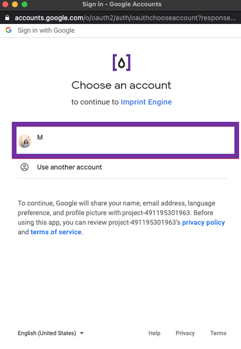
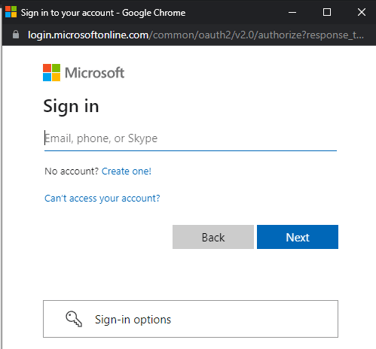
- Choose your organization’s associated Google or Outlook account.
- Complete the authentication process as prompted.
After successful authentication, you will be redirected to the Portal Home Page.
Need Help?
If you have any questions or need further assistance, please contact our support team at support@imprintengine.com