.png?width=300&height=68&name=Lockup_Primary_RGB_IE%20(3).png)
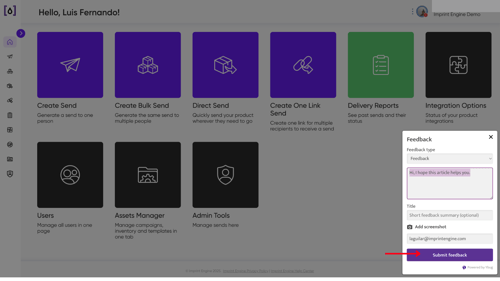
1. Navigate to the Feedback Option
- Click your Admin icon in the top-right corner of the IEX Portal
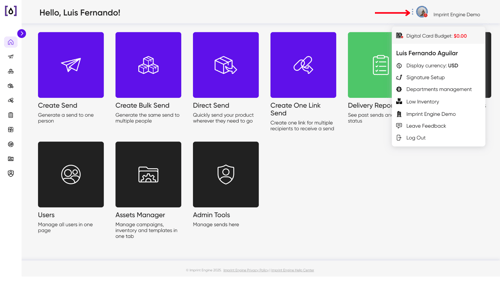
- From the dropdown menu, select Leave Feedback
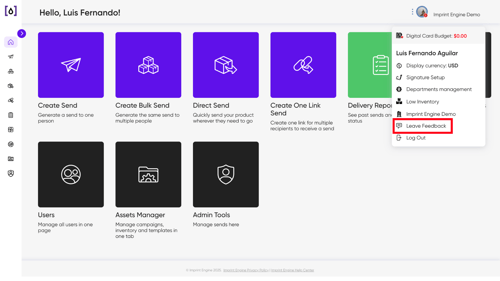
- Choose a Feedback Type from the available options
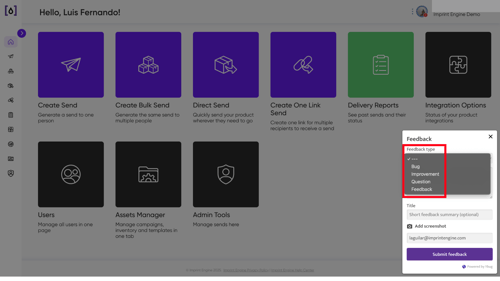
2. Enter Your Feedback
Provide clear and specific details about your experience:
- Describe what you liked or didn’t like
- Include any issues you encountered
- Add suggestions for improvement
The more detail you include, the more helpful your feedback will be.
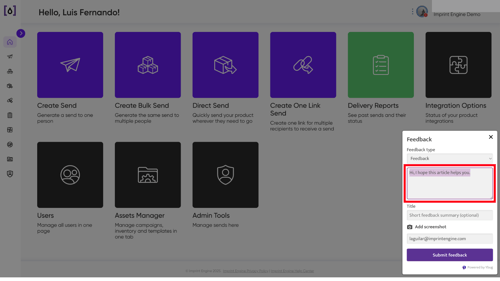
3. Submit Your Feedback
Once everything is complete:
- Click Submit
- Your feedback will be sent to the team for review
4. What Happens Next?
After submission:
-
Your feedback is reviewed by the Imprint Engine team
-
Insights are used to improve features, performance, and overall experience
-
You may be contacted if more information is needed
Need Help?
If you experience any issues while submitting feedback or need additional support, reach out to support@imprintengine.com